Your AI bots
A familiar place to see the bots you choose and follow their responses on a larger screen.
 FireM3UDownload app
FireM3U is an app designed to bring your AI bots to any screen or TV at home. We’re building a place for AI in your everyday living spaces.
Our next chapter: AI on TV. Explore our vision and the current FireM3U development build below.
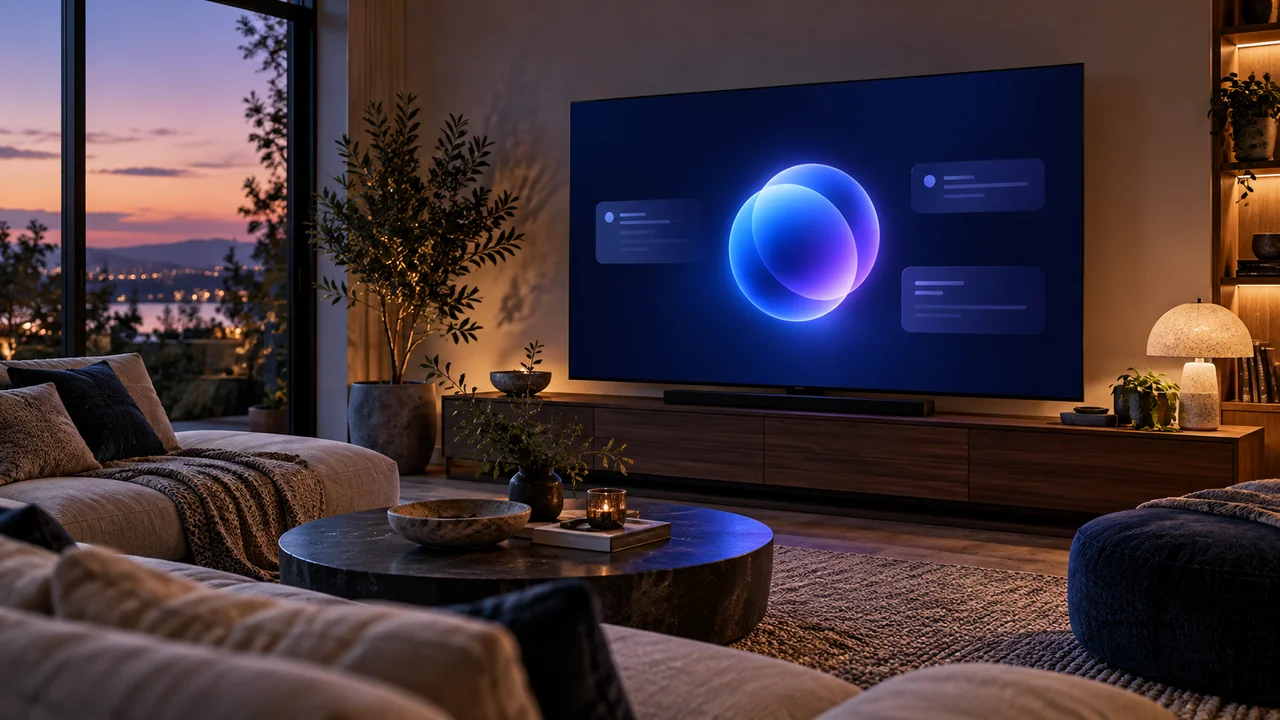 FireM3UYOUR BOTS. YOUR SPACE.
FireM3U is an AI startup focused on bringing personal AI bots into the home through TVs and everyday screens. Our vision is simple: make your bots visible, useful, and easy to follow wherever you spend time.
A familiar place to see the bots you choose and follow their responses on a larger screen.
A product designed around the screens in your living room, kitchen, and home workspace.
Our direction includes home planning, learning together, and keeping useful AI updates in view.
See the planned bot connections, home use cases, and answers to product questions.
Explore the product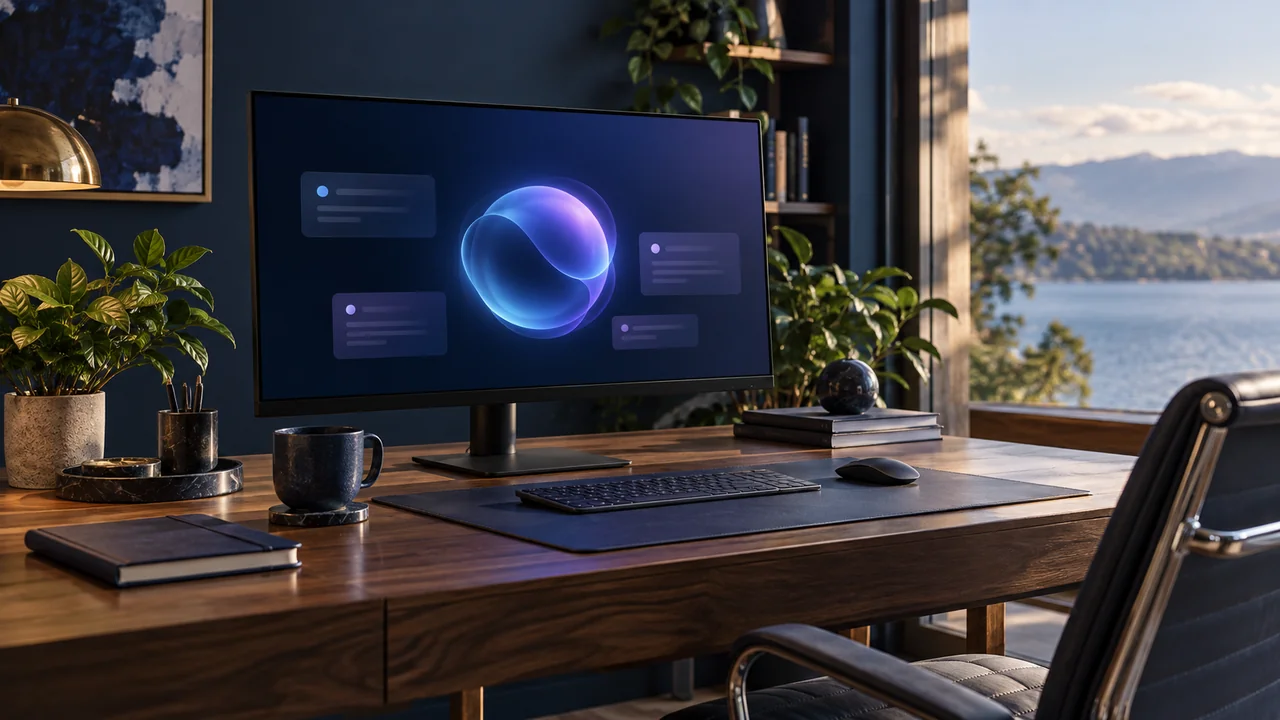
From the current TV app to a first AI connection and more screens around the home.
View the roadmap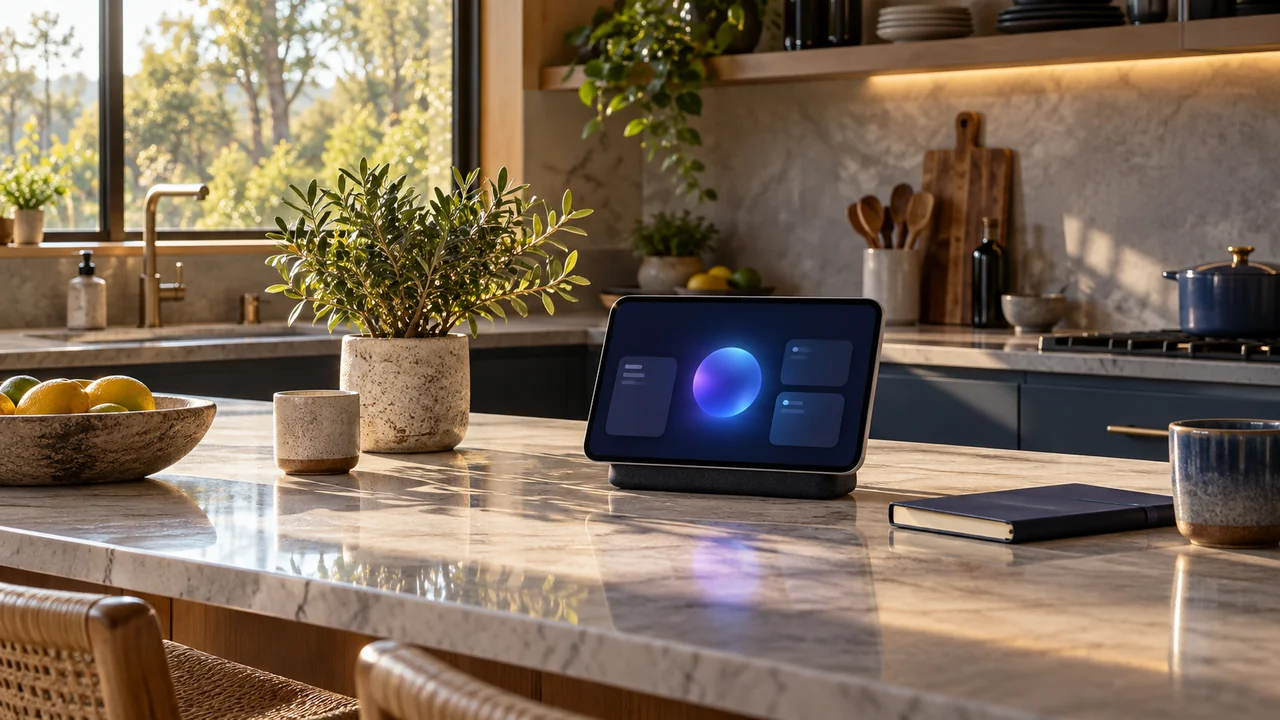
Learn why we’re building FireM3U and the principles that guide the product.
About FireM3UDownload the current FireM3U development build for compatible Fire TV devices. AI bot connections and support for additional screens are part of our product direction.
v1.4.29 · build 39 · com.firem3u.app
This development build uses an Android Debug signature, enables debugging and unencrypted HTTP traffic, and requests approximate location and permission to install packages for updates.
The existing release report records 200 passing JVM tests and 49 connected runs covering 34 distinct tests, with 17 Android TV emulator screenshots inspected. Physical TV installation and installer updates remain unverified. Source HTTP 407 errors may still occur.
Stability across all TVs remains unverified.
On your TV, open the app’s update option. This APK uses version code 39, above code 38 of the previous version. Confirm installation when Android prompts you. The existing release report records signature compatibility with version 1.4.28. Installer updates and physical TV installation remain unverified.
If the installer rejects the update, stop and record the error. Keep the app and its data installed while investigating.
Version 1.4.28 remains available as a separate download.
Keep this page open on your phone while installing on a compatible Fire TV, or open it in your TV browser.
On a compatible Fire TV, search for Downloader on the home screen and install it from the Amazon Appstore.
On devices that support APK installation, open Settings → My Fire TV → Developer Options → Install Unknown Apps and enable Downloader.
Open Downloader, enter https://fireiptvandra.adrianoandrade23.chatgpt.site/firem3u-1.4.29.apk, and select Install when the APK appears. Check the version before installing.
Check that Install Unknown Apps is enabled for Downloader on your device. For any other error, record the message shown.